The studios
Four studios. One publishing house.
Most services give you one tool. Ember House gives you four, each built for a different part of the job — making the book, illustrating it, making the visuals, and selling it.
Publishing Studio
Make the book and get it on every shelf.
The guided path from manuscript to published book — edit, design, format, and publish to every major channel, all in one place.
- Professional edit and proofread
- Cover and interior design
- ISBN, metadata, and pricing
- eBook, paperback, hardcover, and audiobook distribution
Creative Studio
Turn your book into visuals and video.
An AI creative studio for everything readers see — pick a model, set the length, and see the cost before you generate.
- Book covers
- Promo images
- Book trailers (video)
- Social packs and ad creative
Marketing Studio
Write the words and the launch plan.
Describe your book and generate a complete launch kit — the copy that sells it and a plan to run the launch.
- Back-cover blurb
- Social post copy
- Ad headlines and CTAs
- A step-by-step launch plan
Illustration Studio
Picture-book art with a consistent cast.
Illustrate a children's book page by page — describe each scene, keep your characters identical across every page, and choose from over twenty illustration styles or name your own.
- Character reference portraits
- Page-by-page picture book art
- 20+ illustration styles, or describe your own
- Print-quality 2K images
Publishing Studio
Make the book and get it on every shelf.
Your manuscript becomes a finished, distributed book without freelancers to wrangle. Upload your draft, accept edits, choose a cover and interior, then publish — eBook, paperback, hardcover, and audiobook — across the major stores, tracked step by step.
- Professional edit and proofread
- Cover and interior design
- ISBN, metadata, and pricing
- eBook, paperback, hardcover, and audiobook distribution
Step 3
Design your cover and layout
Cover direction
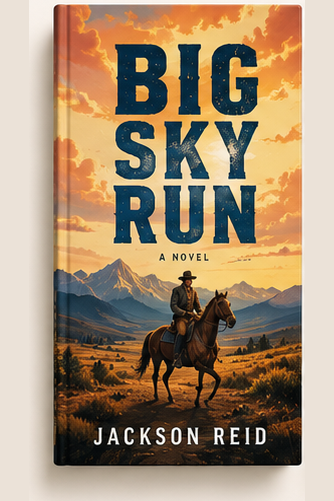
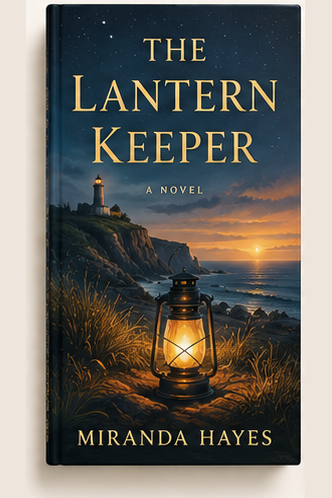
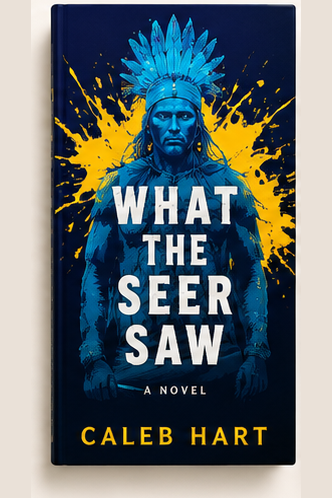
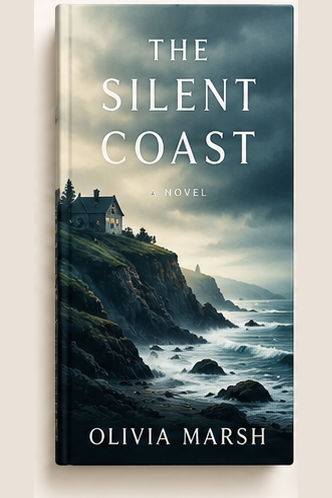
Interior layout
Creative Studio
Turn your book into visuals and video.
Bring your cover, photos, and clips, choose from a range of image and video models, and generate the visuals that sell the book. Set the length, see the cost up front, and create as many variations as you need.
- Book covers
- Promo images
- Book trailers (video)
- Social packs and ad creative
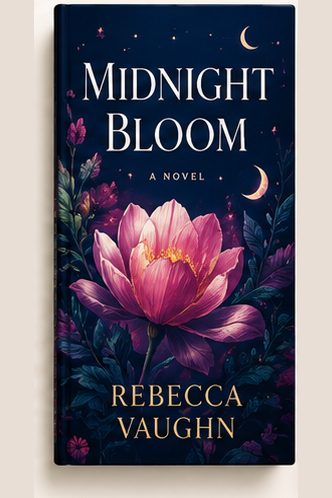
Promo image
Some ideas keep their heat.
Out now — wherever you read.
Marketing Studio
Write the words and the launch plan.
Give it your title, audience, and the one-line idea, and it drafts the words a launch needs — a back-cover blurb, social copy, ad headlines — plus a clear, week-by-week plan to actually run the release.
- Back-cover blurb
- Social post copy
- Ad headlines and CTAs
- A step-by-step launch plan
Back-cover blurb
Some books inform. This one changes how you move…
New chapter, literally. Out now — link in bio. #newbook
Ad
Read the first chapter →
Launch plan
- 1 · Build the list
- 2 · Tease the cover
- 3 · Launch week
- 4 · Keep the heat
Illustration Studio
Picture-book art with a consistent cast.
Built for picture books and early readers. Describe your characters once, generate a reference portrait for each, and every page that names them is drawn from that reference — same child, same outfit, page after page. Write one prompt per page, pick a style, see the price per page and for the whole book before you generate, and replace any page until it's right.
- Character reference portraits
- Page-by-page picture book art
- 20+ illustration styles, or describe your own
- Print-quality 2K images
Style
Soft watercolor storybook · square pages
Cast
Zara — braided hair with beads, yellow raincoat, red boots. Same on every page.
Page 1 · Zara splashes through puddles
Page 2 · The umbrella flips inside out
Four studios, one login.
Start free, upload your manuscript, and unlock them all when you choose your plan.